
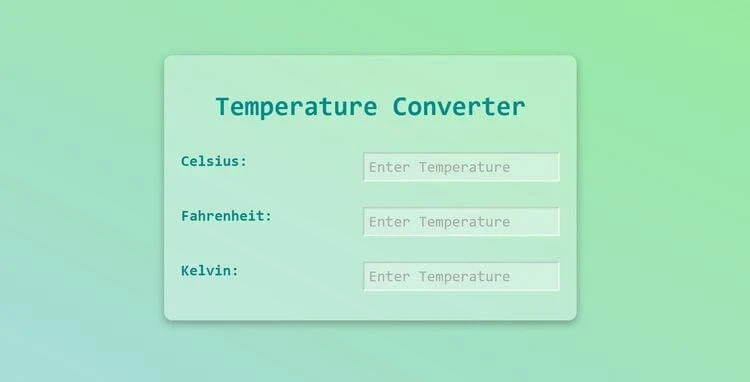
Project Description
This project aims to create a temperature converter for beginners. The final version of the project includes three inputs for Celsius, Fahrenheit, and Kelvin temperature formats. When you change any of these inputs, for example, if you choose 100 degrees Celsius, you will see the equivalent Celsius value in Fahrenheit and Kelvin formats. Additionally, if you change one input, you will see a real-time change inside the other inputs. For instance, changing the Fahrenheit input to 100 degrees will show you that it is equal to 37 degrees Celsius and 311 Kelvin. To create this project, we will learn how to use an “onchange” event listener to track changes inside the inputs. We will also use the switch statement to track changes based on the name of the input we are working on. Additionally, we will use CSS to give the project a modern look, inspired by newMorphISM design. In summary, this project will help us learn how to create a temperature converter using JavaScript and CSS, and we will learn how to track changes using event listeners and switch statements.
Live Demo
Experience the project in action with our interactive live demo.